
Background
Liner today, and where it’s headed
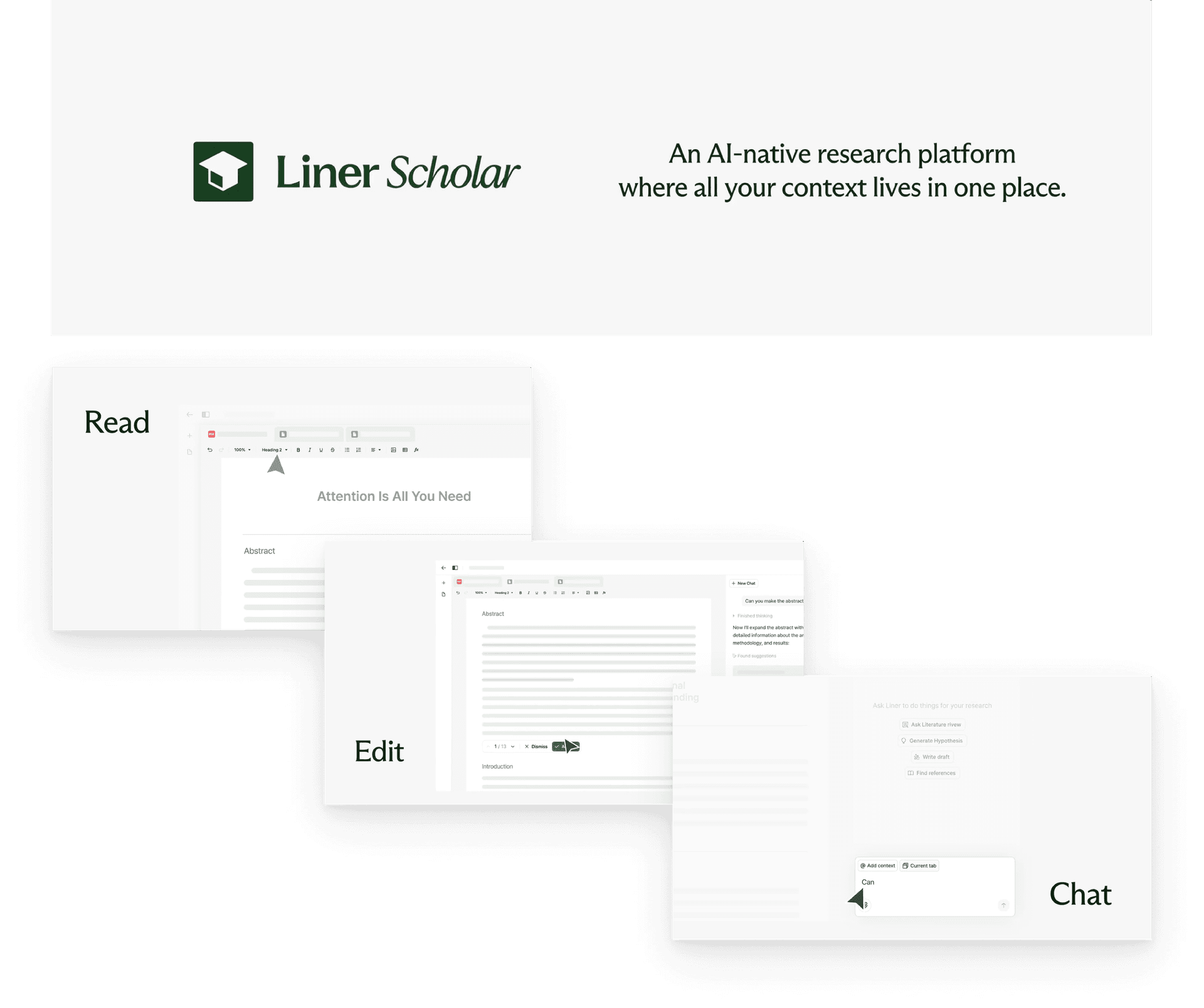
Liner is an AI-powered research tool that supports deep research. It helps you discover, analyze, and organize scholarly content through AI-assisted search, citation, and synthesis. It has 12M+ users and ranks in the top 20 web AIs (a16z), but it’s built for one person. Research rarely happens alone, so Liner briefed us to design that collaborative layer, a business bet with three goals: introduce a new interaction pattern, open a new team audience, and give existing users a broader reason to stay, all without diluting the fast, private AI experience people already rely on.
In the early phase, the questions we most wanted to answer were: how are researchers actually using AI today? Where does collaboration break down? And how do people want to work together? To answer them, I ran an expert interview, a competitive analysis, and 2 rounds of user interviews.
Research
Where collaboration actually breaks
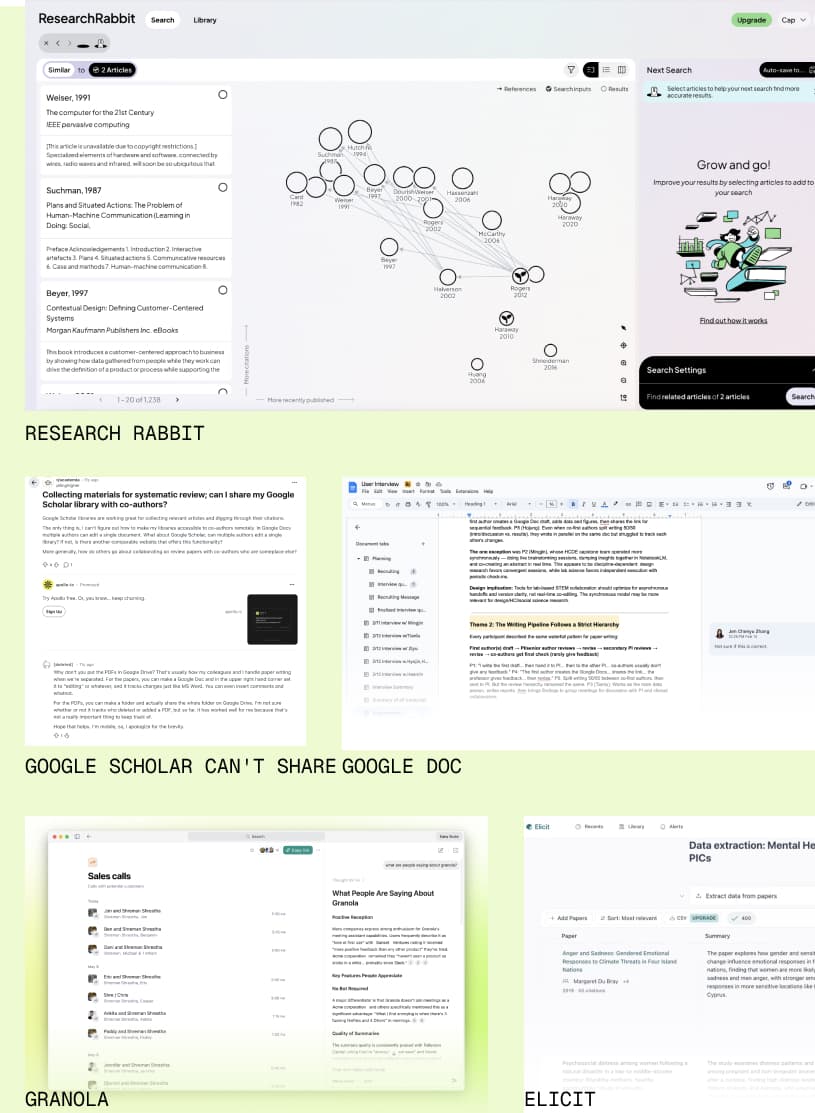
Competitive analysis
Academic collaboration isn’t co-editing a document. It moves through stages: discovering literature, interpreting it together, drafting arguments, revising on feedback. So I mapped tools across that lifecycle to see how collaboration and AI support actually work.
Collaboration is most active in writing and review, and turns individual at interpretation and AI-assisted revision. That gap is where we saw a possible design opportunity for Liner’s future collaboration workflow.
Expert & user interviews
We interviewed 11 researchers in 2 waves. The first 7, recruited through our own networks, showed us how researchers actually work and where collaboration breaks. The next 4, active Liner users, told us what still breaks once you’re fluent and helped us rank what to build next.
Synthesis
What we found
Sharing has boundaries
Teams share outputs, not private AI logs, and they want a signal that a human reviewed the result.
Pain · People want to share outputs while keeping their AI work private.
“AI prompts are helpful, but I don’t want the prompts or logs shared with teammates. Files, information, and activity history should be fully transparent. Those two should be clearly separated.” P4, P5, P6
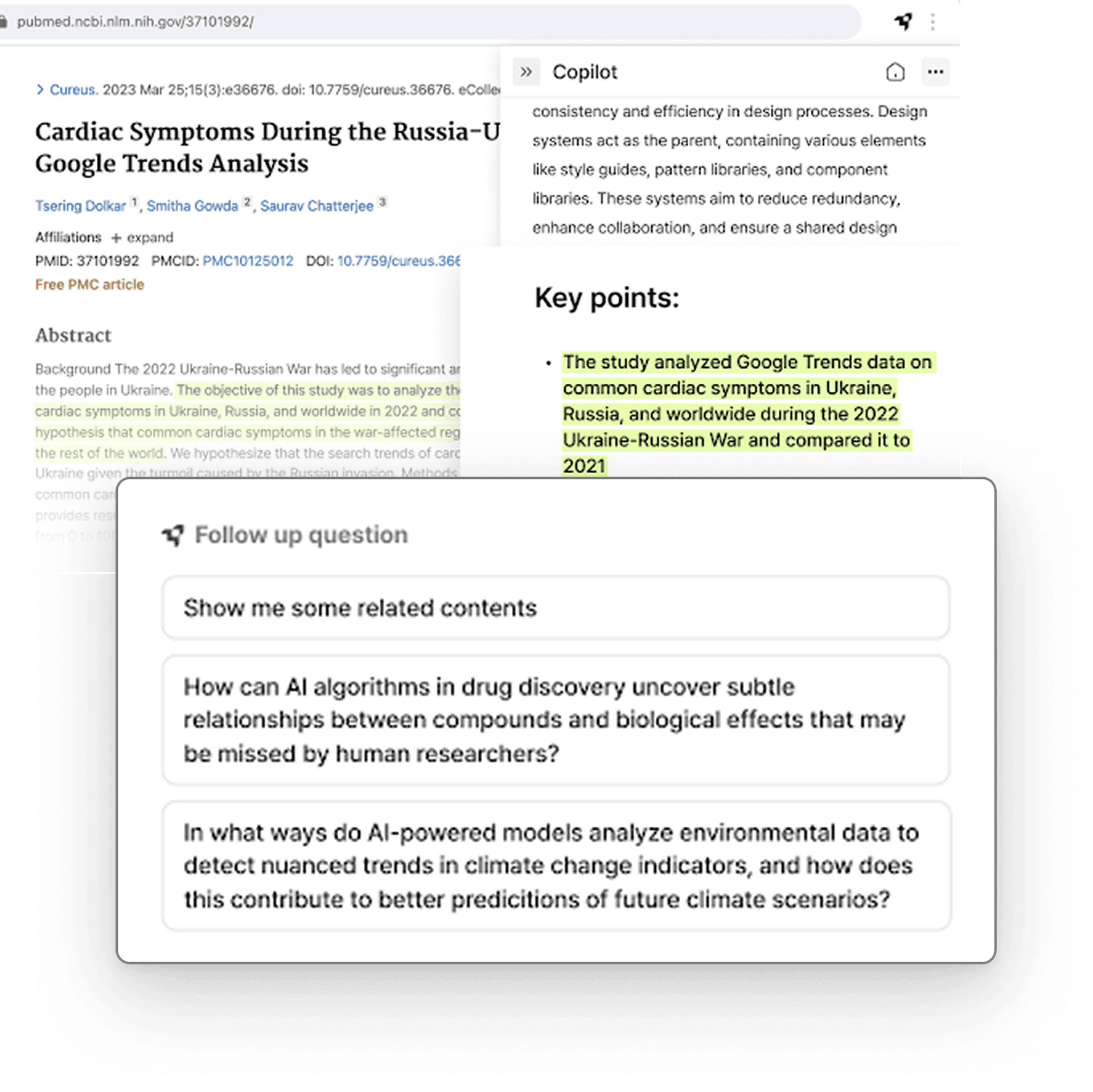
The workflow is fragmented
A project moves data across many tools, all disconnected and slow.
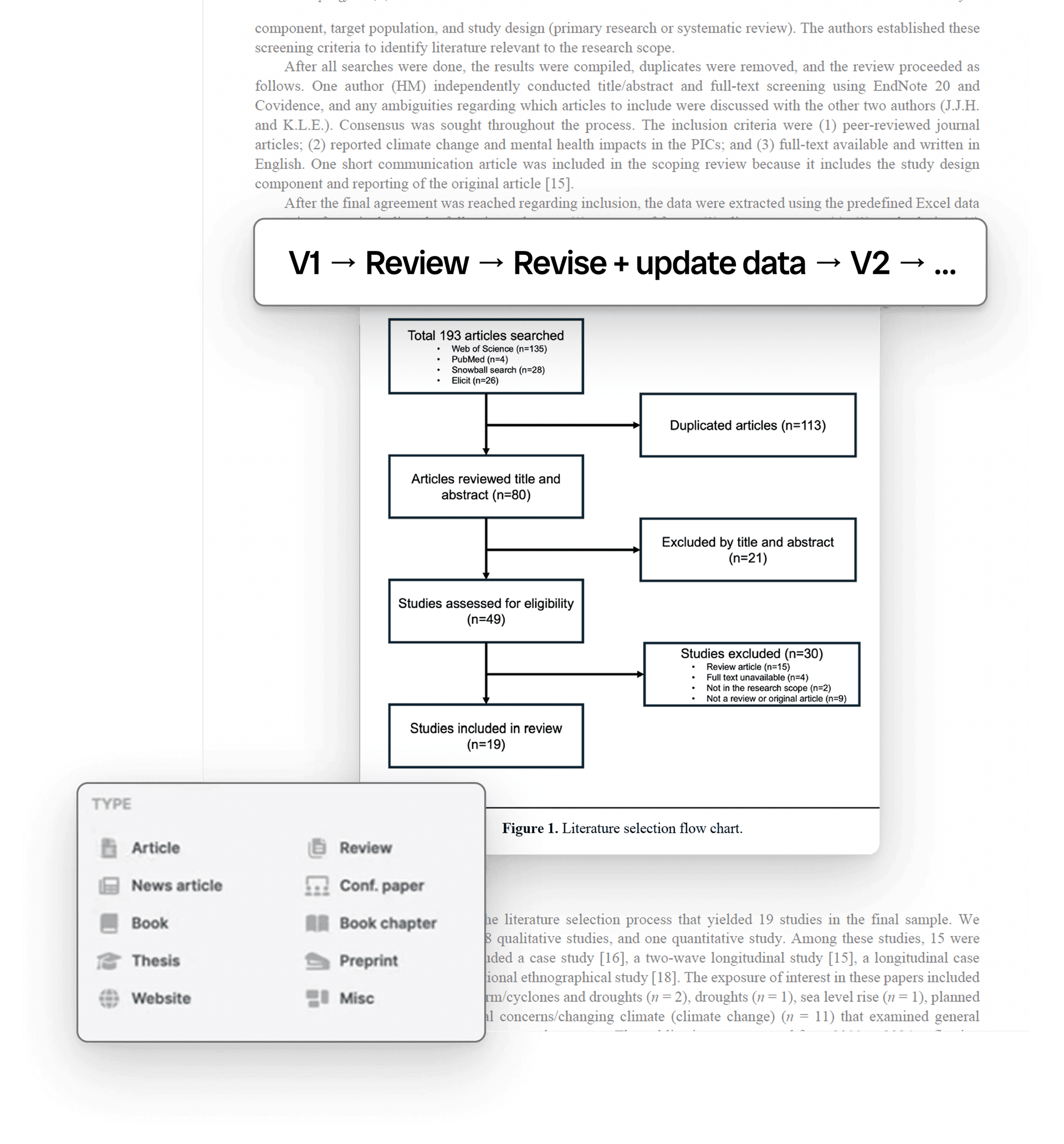
Pain · Reference links break between Word and Google Docs, synthesis needs screenshots and copy-paste, and large figure files get emailed around into version chaos.
“When I move it to Google Docs for team sharing, all the citation links break.” P4, P5, P6
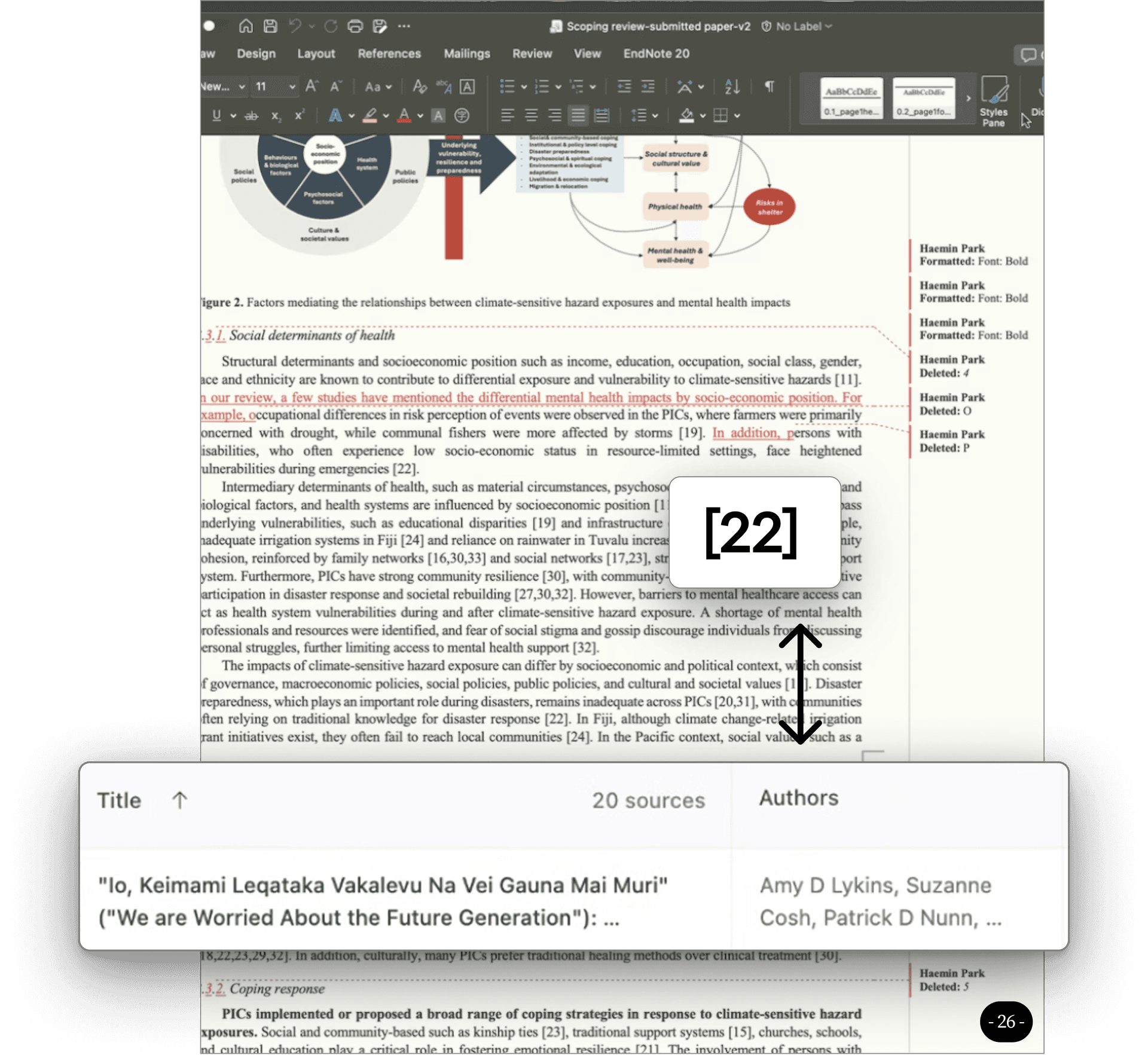
Revision is a state-management problem, with an editing problem
Drafting is solo, but revision goes fully collaborative, and it turns into a problem of tracking who reviewed what.
Pain · With multiple direct editors, teams lose track of who reviewed which section. Rework grows because reviewers re-read the whole document, and cycles slow because “review state” is invisible.
“Drafting is independent, but revision goes to 100% collaboration, and direct edits quickly raise the question: ‘who reviewed this part already?’” P6
Coordination falls on one person
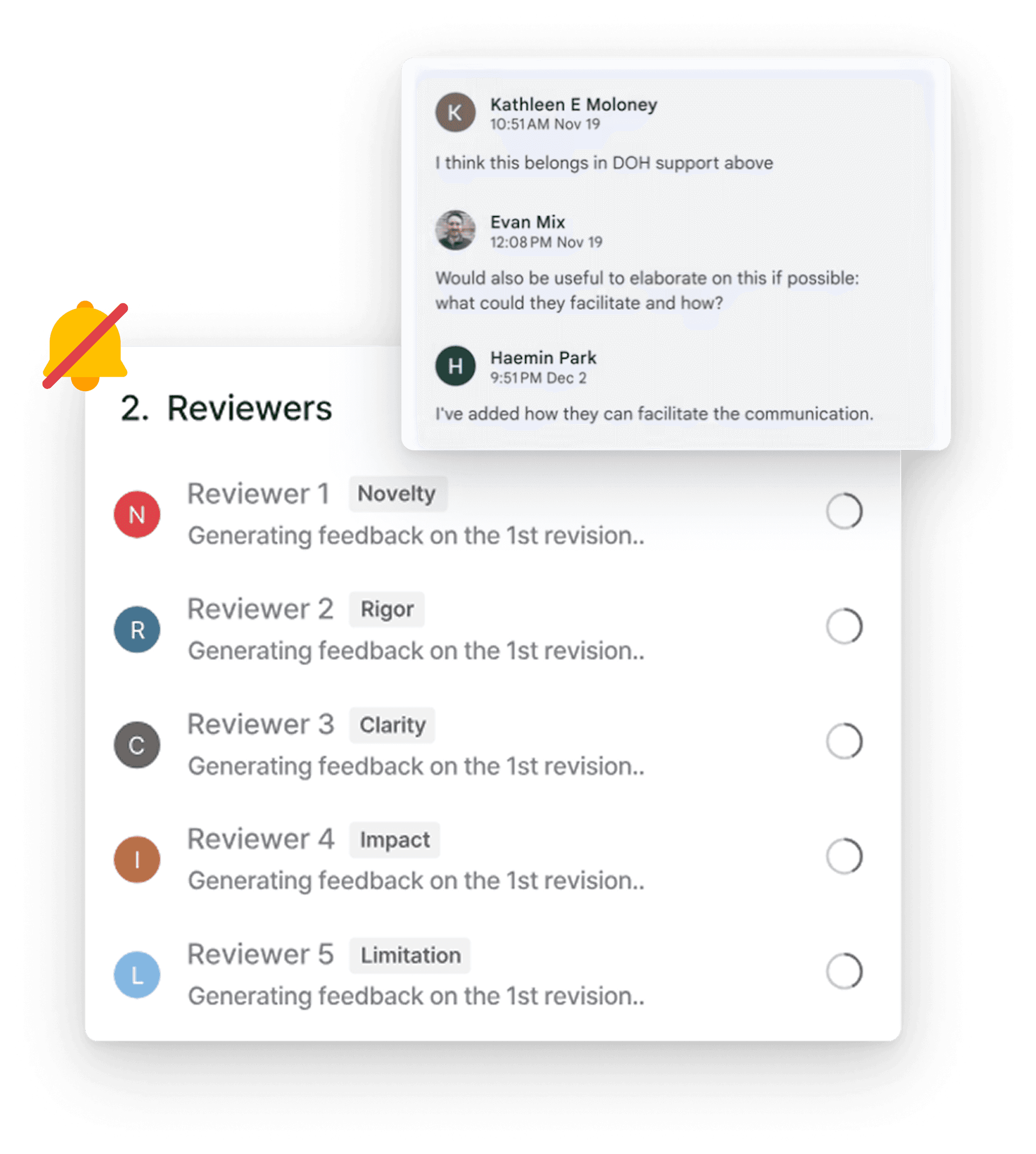
Nudging, follow-ups, and accountability are where team collaboration actually stalls, and it all lands on whoever volunteers to coordinate.
Pain · Chasing people, tracking who owes what, and keeping status current happens off-platform, so one person carries it and momentum stalls between meetings. This is the load we later hand to AI.
Liner is a personal tool in a team workflow
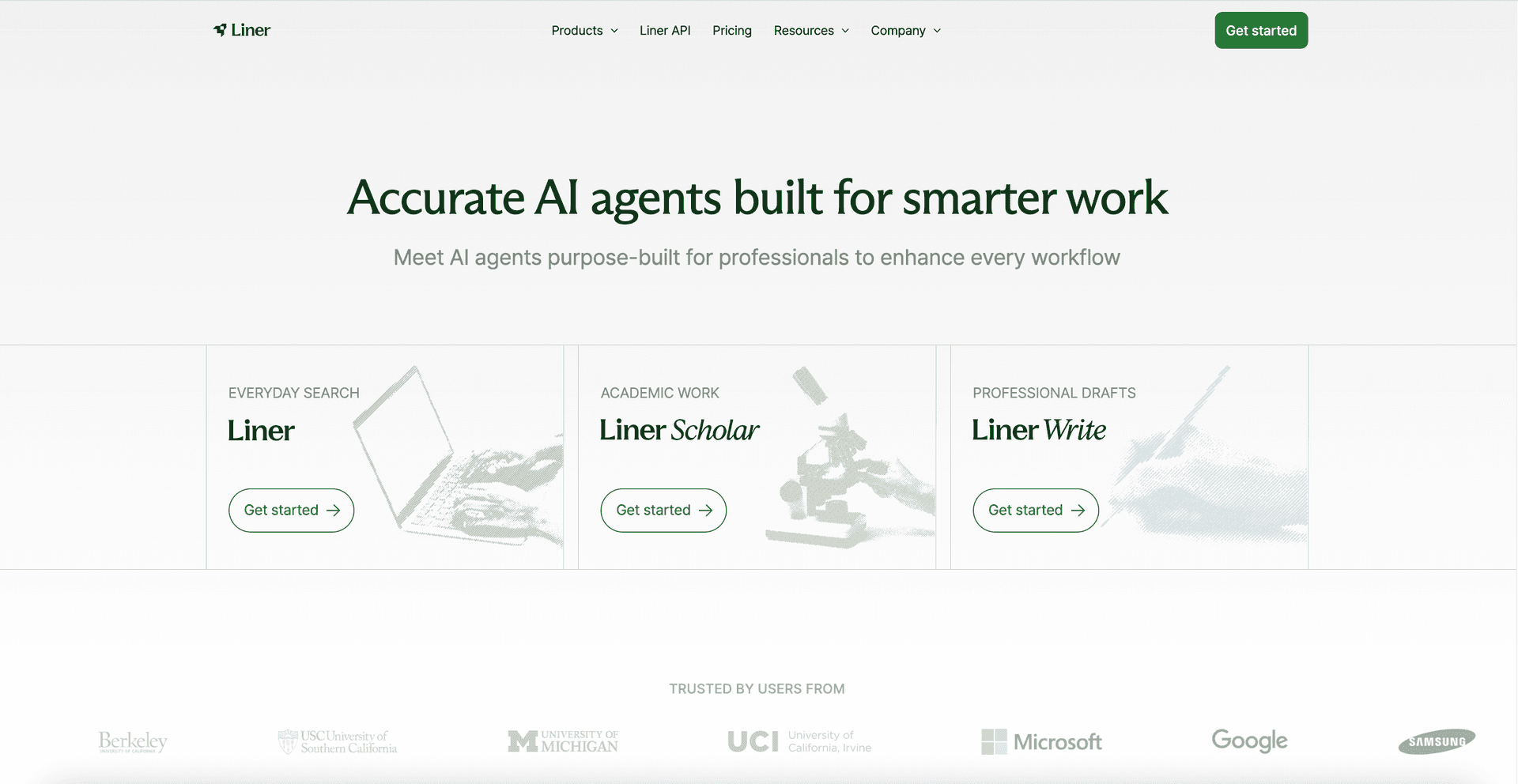
People reach for Liner on their own. It isn’t the primary place a team collaborates, yet.
Pain · The team’s shared context lives elsewhere, so Liner’s value stays individual and never compounds across the group.
The question
How might AI research tools support private, exploratory thinking while enabling transparent, accountable team collaboration?
Journey Design
Liner Collective Intelligence
Today, everything Liner’s AI generates already traces back to its cited sources: the AI is accountable on its own. In a team, that isn’t enough.
Researchers don’t want to share their thinking. They want to share conclusions they can stand behind. Today that handoff means leaving the tool: paste into Google Docs, drop a link in Slack, and the citations break while no one can tell what was verified. So instead of a chat room, I designed the boundary between a private workspace and a shared one: one journey, in four stages.
This reframe was mine to make, and it came straight from the research: the real friction in a team isn’t the work itself: it’s that one person always ends up doing the glue work, the invisible coordination labour that holds the group together. So in the team context, I recast AI’s role: it’s no longer a chat partner or a teammate persona: it’s a background. It posts the group digest, keeps every citation checked, and takes over the coordination that used to fall on one person. It never drafts or decides in your place; it absorbs the busywork so the humans can do the judgment.
- 01
Set up
Start a project, then pull in teammates, files, and a reference manager.
- 02
Explore
Work alone: read, highlight, and ask Liner AI inside a private workspace.
- 03
Curate
Promote a conclusion you can stand behind into the shared space, its source attached.
- 04
Align
Teammates verify, question, or revise the claim while AI checks every citation resolves.
Ideation & the decision
From a personal tool to a team workflow
Each version is the real, running prototype, walked feature by feature. As you scroll, the live window jumps to the feature the text is describing.
A personal reading room vs. a team group chat
v1 keeps Liner solo. The right rail is a tabbed AI chat. You spin up as many private chats as you want, with a single shared Group Chat, and you slide any private answer into Group. We didn’t focus on the editor, since we assumed it was no different from Google Docs. We turned out to be wrong.
The call here: keep Liner personal and get the AI conversation right first, rather than bolting a team feed on top of it.
Live · follows the text as you scroll · open full-screen
AI Chat and Group Chat
Open as many private AI chats as you like, tabbed side by side, while the Group Chat stays the single shared space. Here, starting a new chat.
Share a message to Group
From a private chat, hit Share to team, pick the shared chat, and confirm. The answer becomes shared work the team can build on.
Group gets its own panel
User-testing v1 surfaced the problem that drove v2: a team doesn’t want another chat stream, it wants reviewed knowledge. So v2 brings the team in: the Group Chat moves out to its own far-right panel, and it fills with structured knowledge cards, not chat. Each card carries its content, its citation, and a confidence signal, and teammates react and reply on it. Files, Editor, AI Chat, and Group open together.
The call here: make Group a space for reviewed knowledge. We took it too far (cards-only left no room to talk) and later brought a team conversation back alongside the cards.
Live · follows the text as you scroll · open full-screen
The Group Chat has updates
The Group Chat surfaces updates: what changed, what needs a reply, and what teammates added while you were away.
Shared knowledge cards
You share a finding as a card with a fixed structure: the content, its citation, and a confidence signal. Teammates react and reply on the card.
Cards only: the bet we revised
v2 went all-in on structure: no free-text box, so the team could only post cards and never see raw AI output. It kept knowledge clean, but it also cut the ordinary back-and-forth teams live on. We brought the conversation back in the final build.
A workspace, and composable editor modes
v3 adds the workspace you land on before any doc, with milestones, tasks, teammates, and connected tools. In the editor, Citation ties each paragraph to its source, and Focus clears the panels for writing. That same select-to-reveal idea shaped the chat, which I explored as 3 layouts. Up to here, v1 and v2 were about direction, not craft: rough, vibe-coded prototypes to see whether an idea held. v3 is where I shifted to polish: I connected Figma MCP and generated this prototype straight from Liner’s design system, so it matches the real product instead of approximating it.
The call here: a workspace before the doc, and a hard split between private and shared, rather than one feed with a privacy toggle.
Live · follows the text as you scroll · open full-screen
The project workspace
Milestones, tasks, teammates, and connected tools, before you open any doc.
See who wrote what
Author mode colours the text by teammate, so you can see who is editing which part, live.
Focus mode
Selected on its own, Focus clears the side panels for distraction-free writing.
The group’s AI: only the updates that touch you
The update cards above are every card and message in the group thread: the team view. The Liner AI bot, meanwhile, briefs you in the thread with just the updates relevant to you: the personalized view. Team and individual, layered in one Group line.
Why 3 chat layouts?
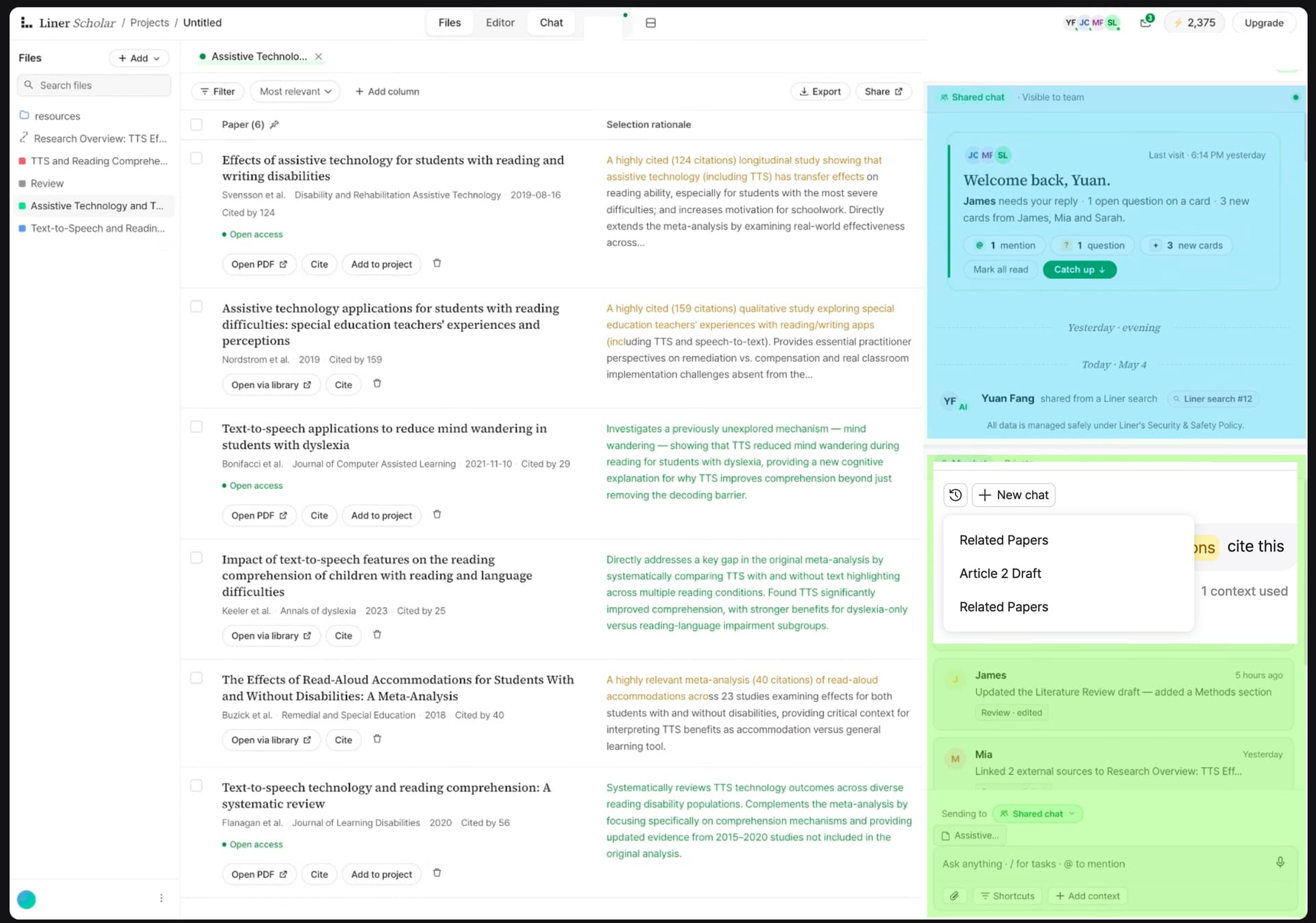
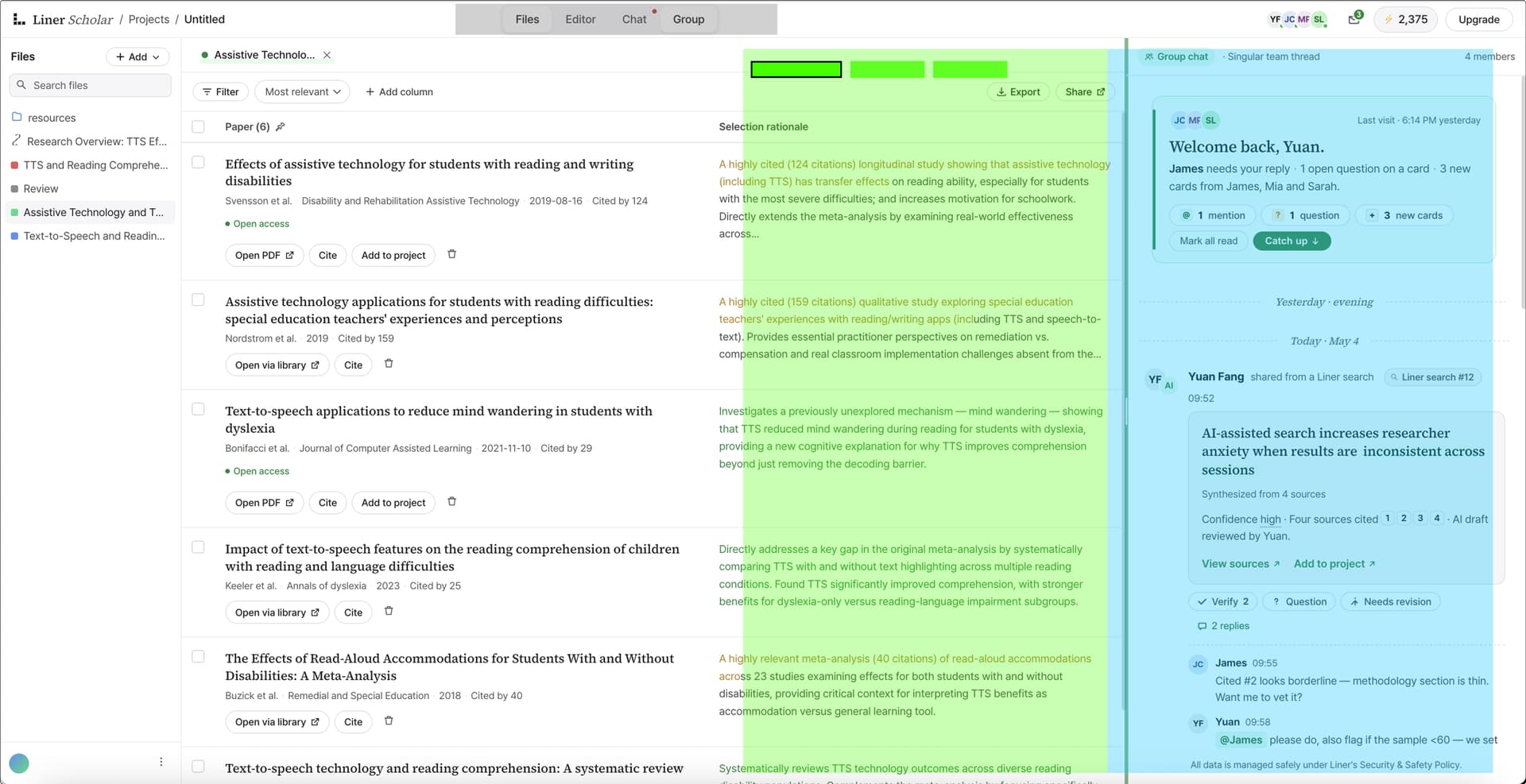
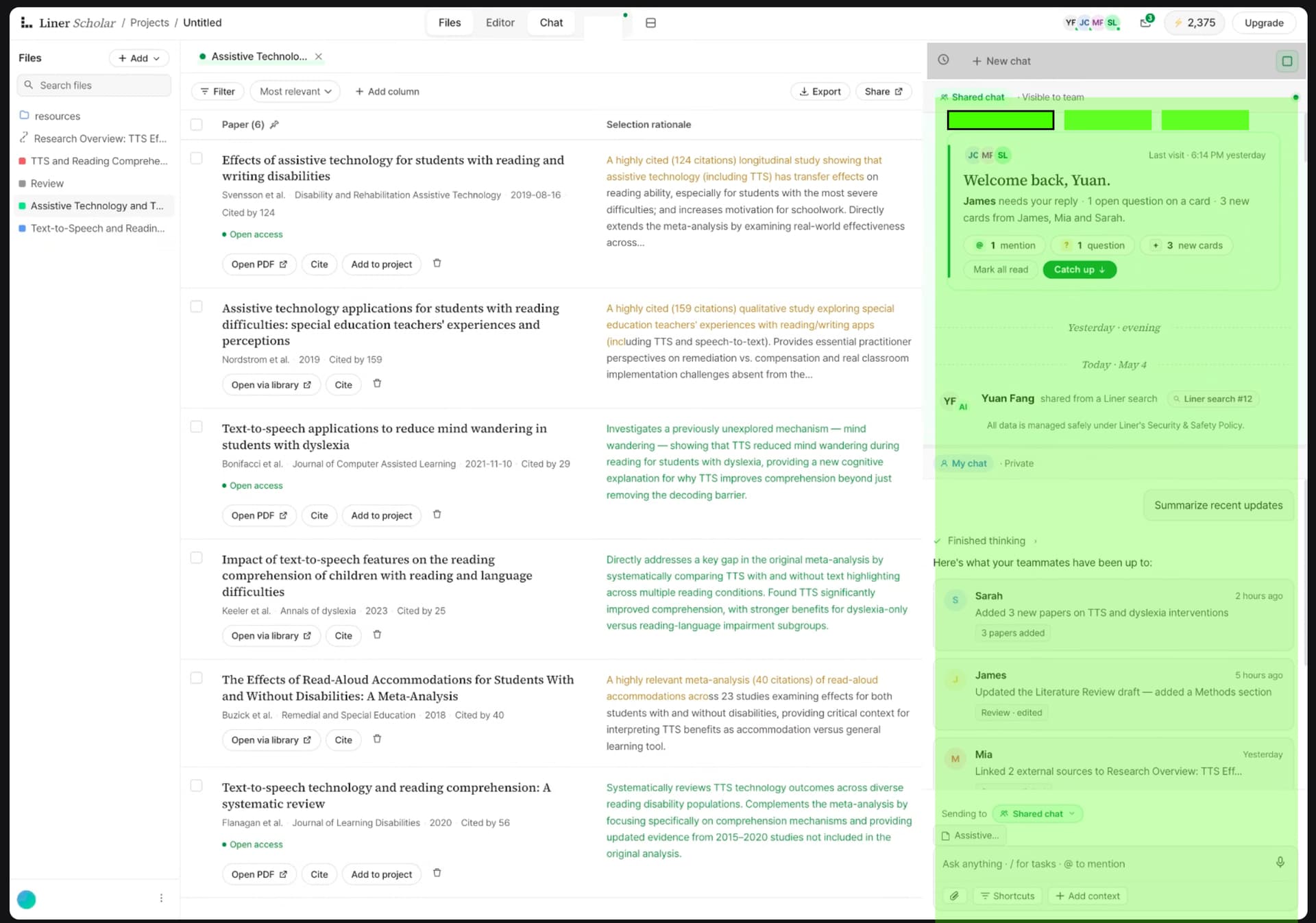
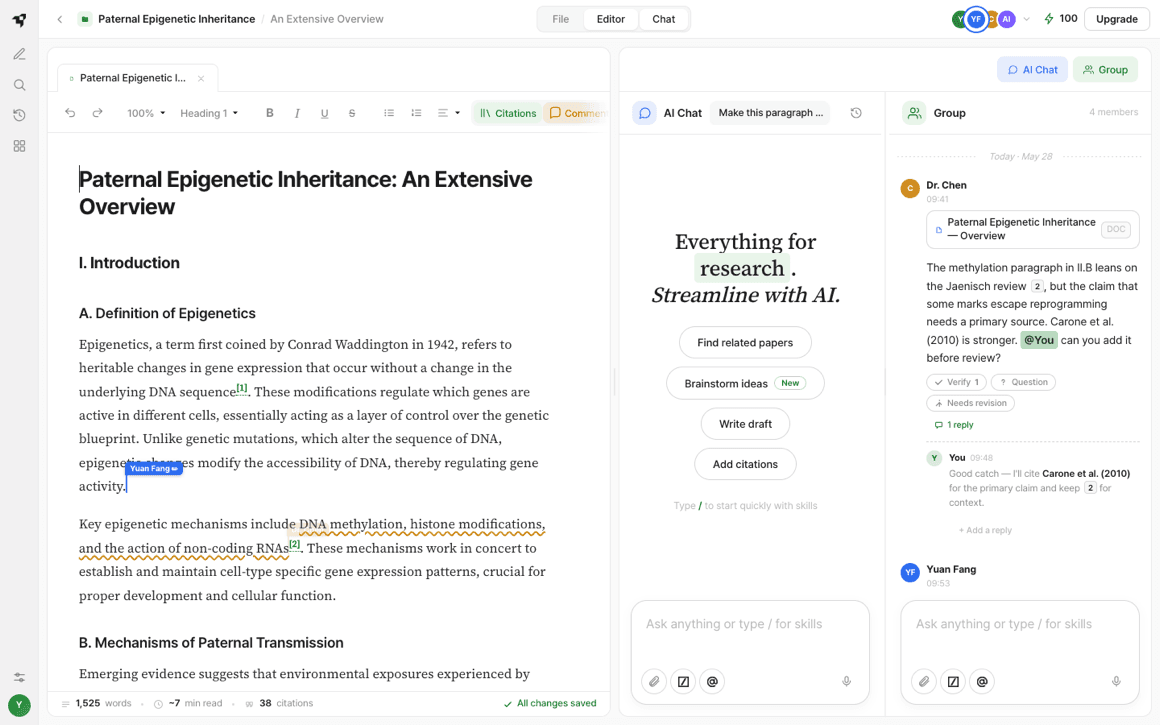
The chat is where private and shared meet, so its arrangement decides how easily an idea crosses over. Each option trades simplicity against continuity. I built all 3 to see which one kept the share-to-group move fluid.
Plan A
Both threads stacked in 1 adjustable column. In testing, people felt it showed too little content, and the 2 input boxes read as visually repetitive.
Plan B
1 column you switch between. Clean, but sharing from private to team loses its continuity.
Plan C
Select a panel to see it solo, or both side by side in a 2-column view.
Usability testing
- 14+
- Participants, UW master’s students across a range of academic research experience.
- 3 yr+
- Average research experience, in academia and professional practice.
- ~20 min
- Average length of each moderated testing session.
Final pick · Plan B + C
The AI-and-Group Chat was mine to own, and I designed it by carrying the editor’s own gesture across: the same select-to-reveal from v3’s Focus and Citation modes now drives the chat: you select one panel or both. Testing settled it. People wanted both threads readable at once, since the content comes from the left and they wanted to see more of it. Selecting either panel on its own, or both side by side, kept the private-to-shared move continuous instead of a hard switch. Letting people choose the state also makes the process visible when sharing, which keeps it accurate and traceable back to the source.
Live · follows the text as you scroll · open full-screen
AI chat on its own
Select just your private AI chat to explore and draft, with nothing shared yet.
Group Chat on its own
Select just the Group Chat to focus on the team’s reviewed, shared knowledge.
Both, side by side
Select both to move an answer across without losing your place. Exactly the Plan B + C behaviour.
Final build
The decisions, made real
The editor is the part I owned. We refused to build “Google Docs with comments”: the industry default answers none of the pains researchers named. So every pain got a direct move, and the build runs them in the order the journey does: set up, explore, curate, align.
What broke (research)
How the build answers it
Pain · Sharing has boundaries
A private AI chat, then a deliberate Share-to-group: your prompt stays yours by default.
Pain · The workflow is fragmented
Sources, your draft, and the AI all live on one surface, so nothing has to move between tools.
Pain · Revision state is invisible
Margin Comments plus a human-owned Verified state, and author colours showing who wrote what.
Pain · Coordination falls on one person
AI runs in the background: it assigns tasks, checks every citation, and keeps the group digest current.
Pain · Liner is a personal tool
A project workspace makes Liner the team’s shared home, not a tool off to the side.
Walked along the four journey stages, not as a feature list. As you scroll each stage, the live window jumps to the feature the text is describing.
Live · follows the text as you scroll · open full-screen
The project workspace
Every project opens on a workspace: tasks, teammates, and connected resources like Google Drive and Zotero. Liner AI assigns the task cards across the team, and takes some itself, quietly owning citation-checking and keeping the group digest current.
Why · Coordination used to fall on one person. Here AI carries it in the background, so nobody has to chase status, and the workspace makes Liner the team’s shared home, not a tool off to the side.
Every source in one panel
The papers you’ve saved sit in the left panel. Open one and read it right beside your draft.
Why · The workflow was fragmented, so reading and writing now share one surface.
TLDR on each source
Hover any source and its TLDR pops inline, so you can triage what deserves a full read without opening a thing.
Why · Explore means fast triage: decide which paper is worth the time first.
Select text, act on it
Highlight a line and a popover offers Cite, Comment, Improve, or Ask AI. The assistant meets you in the text.
Why · AI assists, and you decide. It never acts on its own.
Focus mode for writing
One click clears the panels for distraction-free drafting. The citation and comment layers stay composable.
Why · Exploration is solo work, so drafting gets its own quiet room, borrowed from the reading modes.
Every claim traces to its source
Turn citations on and each claim carries a marker. Hover to see the quote and source; click through to open the original and land on the exact passage: the claim in its full context, not a stripped snippet.
Why · Curation means promoting a conclusion you can stand behind, so its source travels with it, checkable in place, not taken on faith.
Private AI, then share to Group
Your private AI chat sits beside the Group Chat. Share a curated answer across, and its source and citation travel with it. You choose whether to share your prompt, so your chat log stays yours by default.
Why · Teams share outputs, not private AI logs. The private → shared handoff is the whole move.
Verify, question, or revise
Verification stays human. Open a margin comment, read the claim against the passage it came from, and mark it Verified: a named, visible state that means “I checked this against its source and I stand behind sharing it.” The click-through makes that cheap to do.
Why · Teams asked for a signal that a human reviewed the output: “I don’t trust it as a final output, but it helps me get the thinking going” (P5), so a person, not the model, owns Verified.
Cards and conversation, together
The Group Chat mixes reviewed knowledge cards with a real conversation, plus the AI’s background digest that walks in to brief you on what changed while you were away: which sections were edited, where your review is needed, and what new sources have landed for you to read. Two input boxes, two intents: the AI box is for prompting the assistant; the group box is for talking to your teammates.
Why · v2’s cards-only was too rigid. Teams need to talk, so structure and conversation live side by side, aligning on what’s been reviewed.
Validated, then refined
We validated the flow through usability testing, and it also handed us the finding I didn’t want to hear: once people shared a new idea into the group, they immediately asked how it gets back into the paper, and who does it. Sharing wasn’t the finish line they’d assumed it was. That reframed a whole future direction rather than a detail, and I’d rather show it than hide it.
Refinement was as much craft as concept. The team produced many separate options; my job was to fold them into one coherent system, which meant holding the whole thing in view at once (how Citation, Comments, Authors, and Focus compose, and where they’d collide) while restoring each screen to the pixel. I connected Figma MCP and generated the prototype straight from Liner’s design system (the serif display, highlighter accents, the dotted-line citation motif) so it reads as part of the product, not a mock beside it.
It shipped as a working prototype with a feature-level specification.
If I had more time
Close the loop back to the doc
Testing surfaced the question I keep returning to: if I share a new idea into the group thread, how does it get back into the paper, and who does it? Sharing to Group can’t be the endpoint. The real goal is the shared insight acting back on the original text, and that flow is the next thing to design.
Onboard the split
The private and shared boundary is the whole idea, but it needs teaching. I’d add first-run guidance so no one shares the wrong thing.
Concurrent AI edits
Several people editing with AI at once needs a section-allocation, branch-and-merge model, like a pull request. I scoped it, but didn’t build it.
Beyond research, to consumer scale
The private → curate → shared boundary isn’t specific to papers. It’s the same shape as draft → post: a personal space to explore, a deliberate moment of curation, and provenance that travels with anything AI helped make. That’s how this idea would move from a research tool to a billion-user feed.
Deeper integrations
Google Drive and Zotero connect today. Next is 2-way sync with reference managers, the step users ranked highest.
Impact
Where it landed
- Jul 2026
On the roadmap
Liner is taking the collaborative workflow into the product. Launch expected July 2026.
- 3 features
Chosen to carry forward
Focus mode, citations, and share-to-group: the collaboration-native ones stakeholders kept.
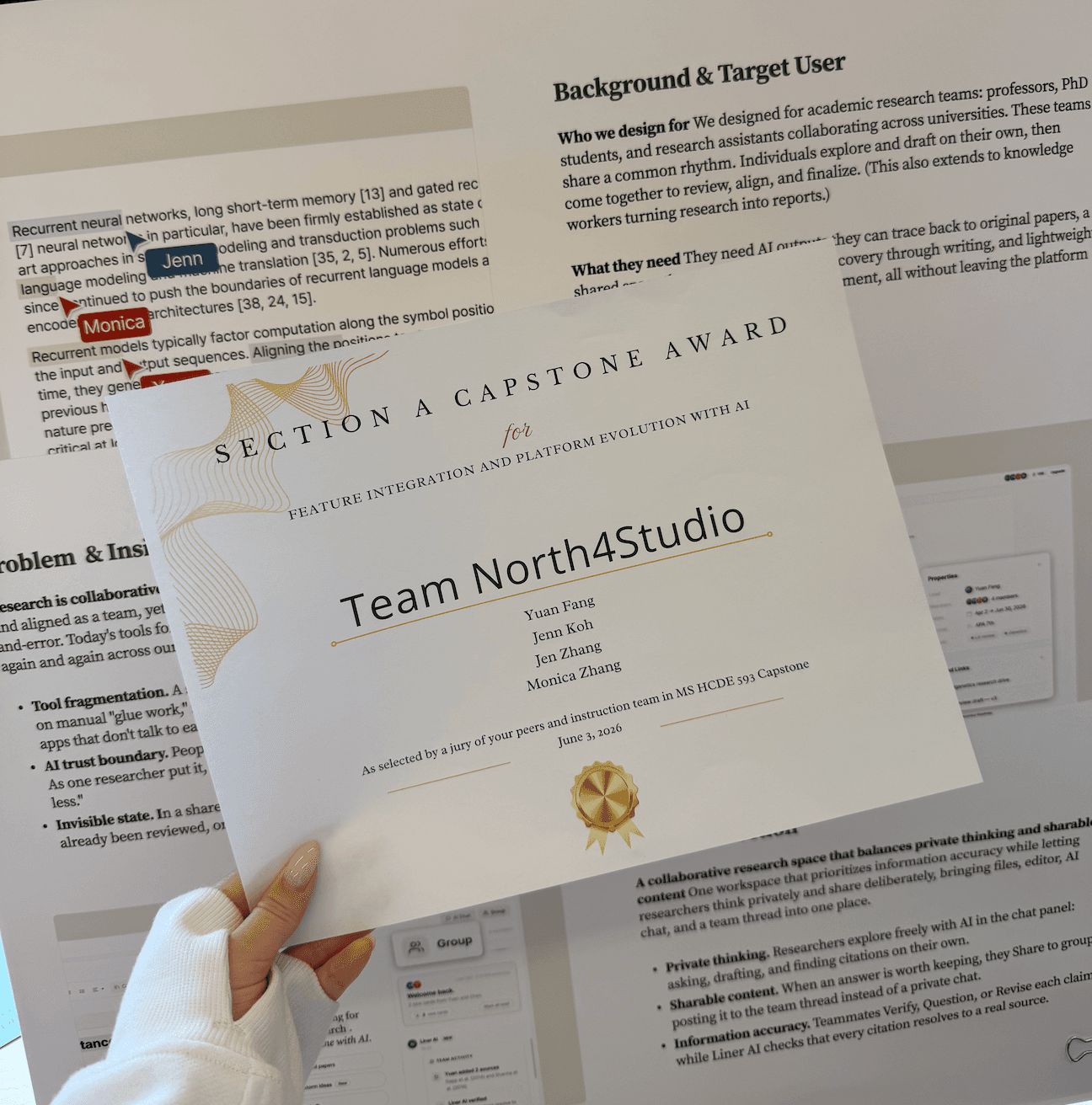
- Capstone Award
Section A
Jury recognition for feature integration and platform evolution with AI.
How we’d know it worked
It shipped as a prototype, so these are the metrics I’d instrument at launch rather than results. Each maps back to a goal in the brief (a new interaction pattern, a new team audience, a broader reason to stay), because the bet is only real if it moves them, not just demos well.
- Share-to-group rate↳ New interaction pattern
- Share of private AI answers a person curates into the shared space. The single clearest signal that the private → shared handoff is working.
- Invite rate↳ New team audience
- Share of projects where someone pulls a teammate in, the product’s own growth loop, and the path to the new audience.
- Team activation↳ New team audience
- Projects created with more than one member. Does collaboration actually get switched on, or does Liner stay a solo tool?
- Feature-led upgrades↳ A reason to stay
- Subscriptions and upgrades attributable to the collaboration features. Whether the new pattern converts, not just engages.